Alien Vault is an open-source security information and event management tool for real-time threat detection. According to ethical hacking specialists at the International Institute of Cyber Security, Alien Vault is used in hundreds of organizations to monitor websites, databases, data centers, servers, desktops, applications, and other information devices for suspicious activity in the environment in real time.
- SIEM is a combination of two different types of technologies:
- Security Information Management (SIM): Log collection and report generation
- Security Event Manager (SEM): Real-time event analysis and event correlation
- This application has the best features such as event collection, event normalization, and event correlation
- Event Collection: this option is used to collect logs from information devices such as servers, firewalls, and routers in our environment
- Event Normalization: this option extracts all log data files and stores them in folders containing all information such as IP address, hostname, usernames, ports, etc.
- Event Correlation: this option is used to correlate all commonly collected events gathered from the environment
Installation
- Download the OSSIM ISO from here
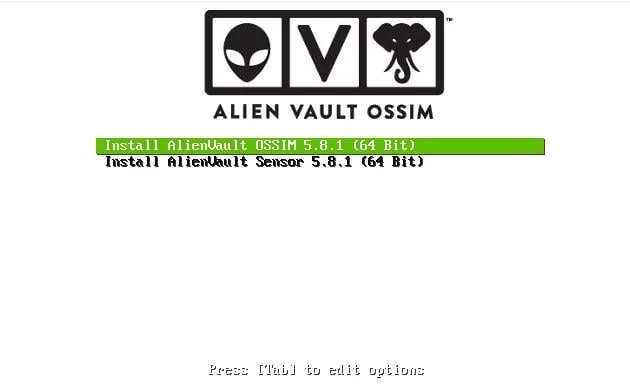
- Here, choose OSSIM (Open Source Security Information Management) and press ENTER
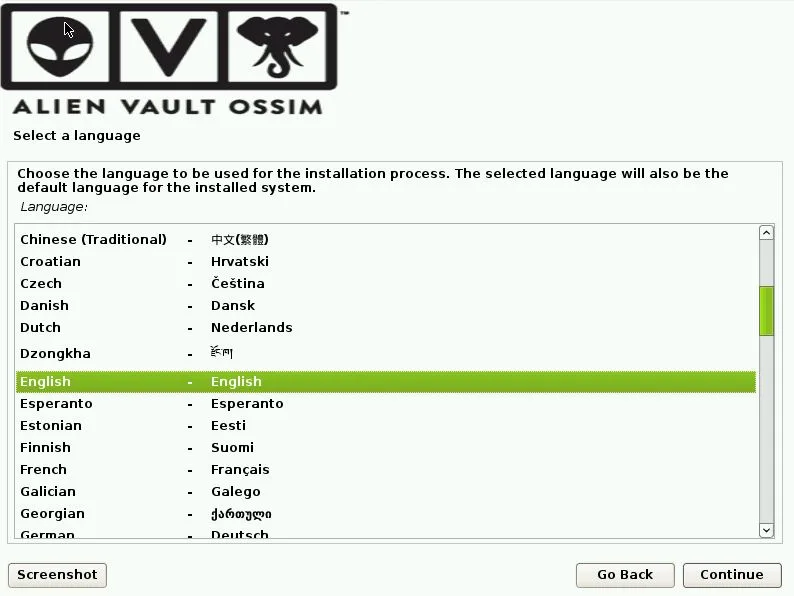
- Choose your preferred language and click continue
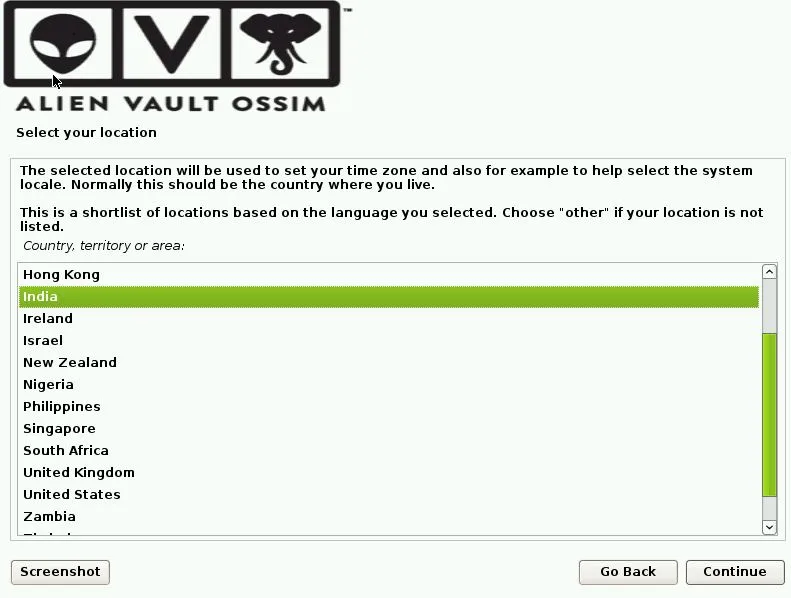
- Choose your country and click continue
- Choose the keyboard layout to use and click continue
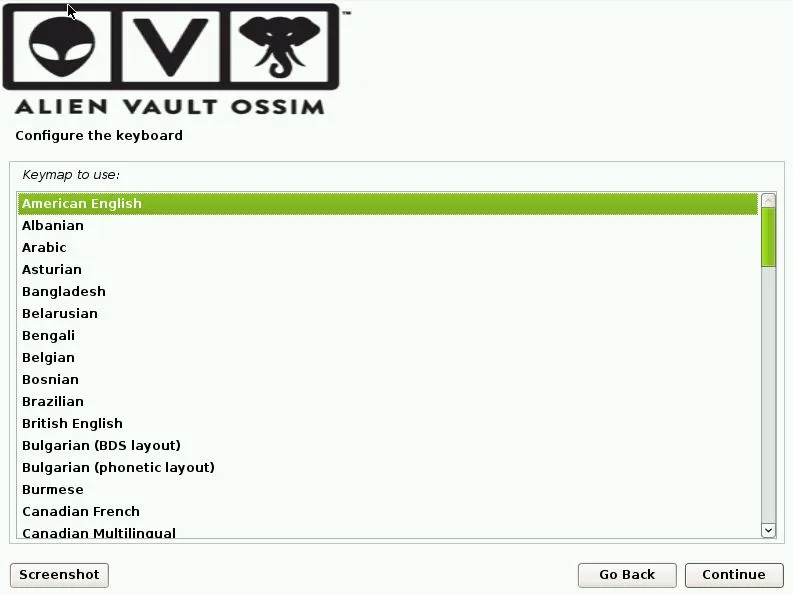
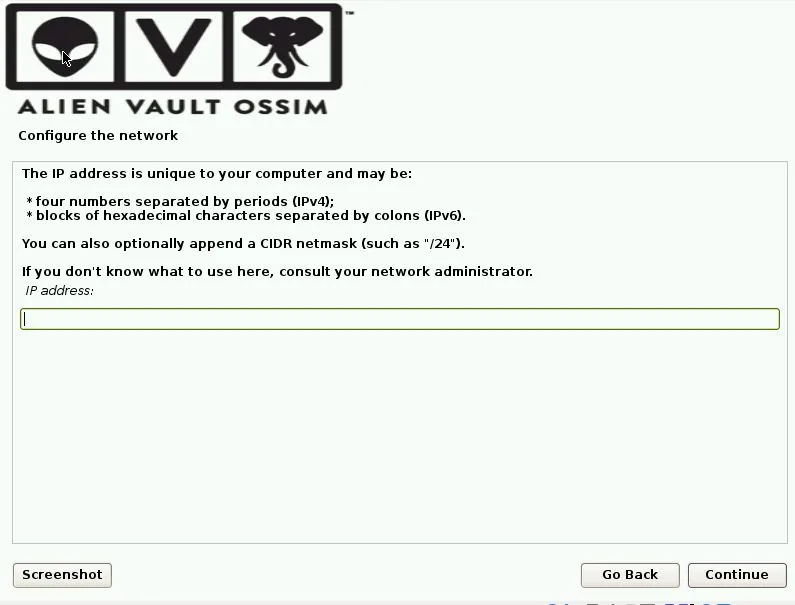
- Assign an IP address to this machine
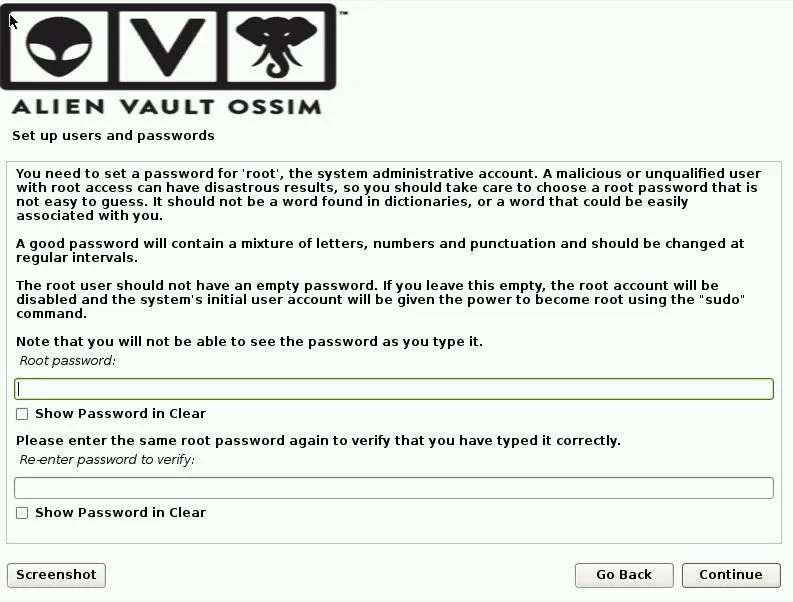
- Set a password for root. After that, the tool will begin installing, according to ethical hacking experts
- If installed correctly, we will be able to see this screen on our machine
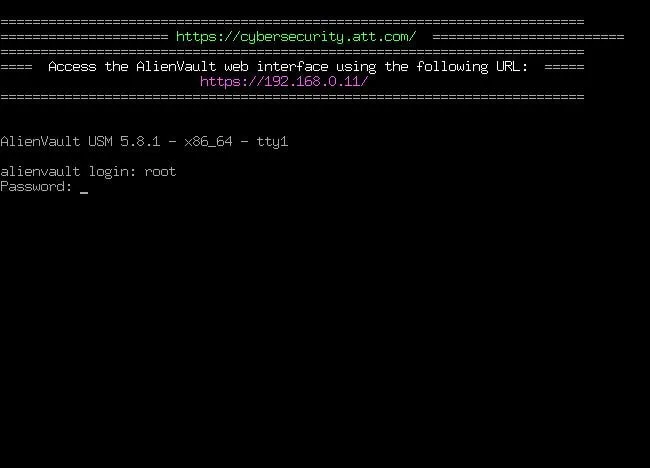
- Here, type login as root and password. Then open this URL in the browser https://
/ for the web interface
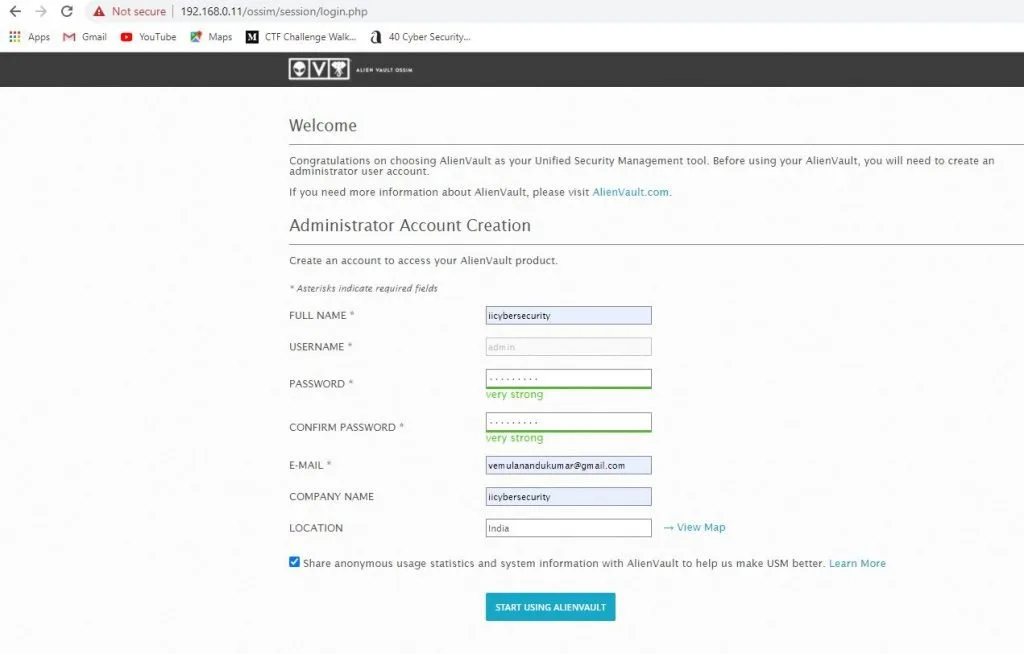
- Now, enter a few details to create an account to access Alien Vault products
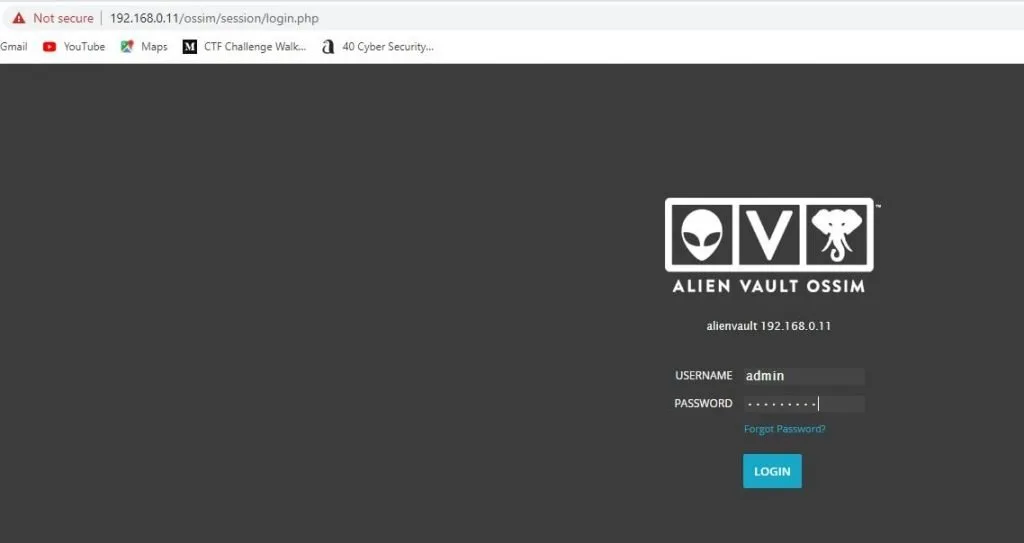
- Next, type the username and password to log in, then we will be able to see the following screen
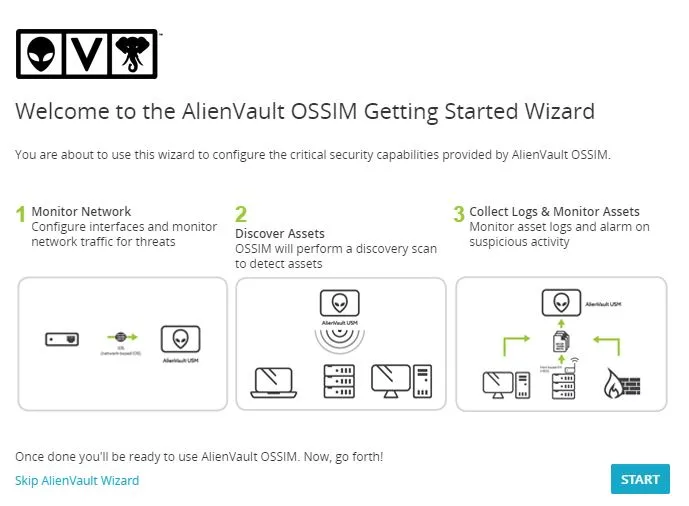
- Follow the steps to monitor the network, discover assets, collect logs, and monitor assets. Click the start option to launch Alien Vault OSSIM
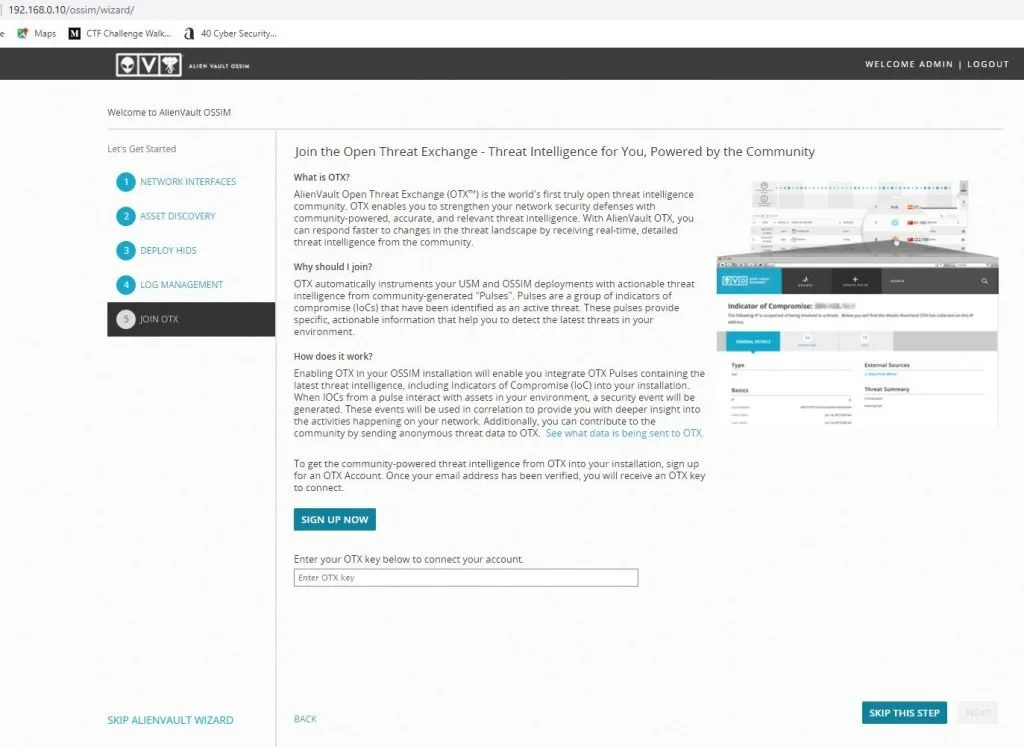
- Follow the steps shown on the screen and click Register Now to create an OTX (Open Threat Exchange) account and log in to view all activity on our LAN (Local Area Network)
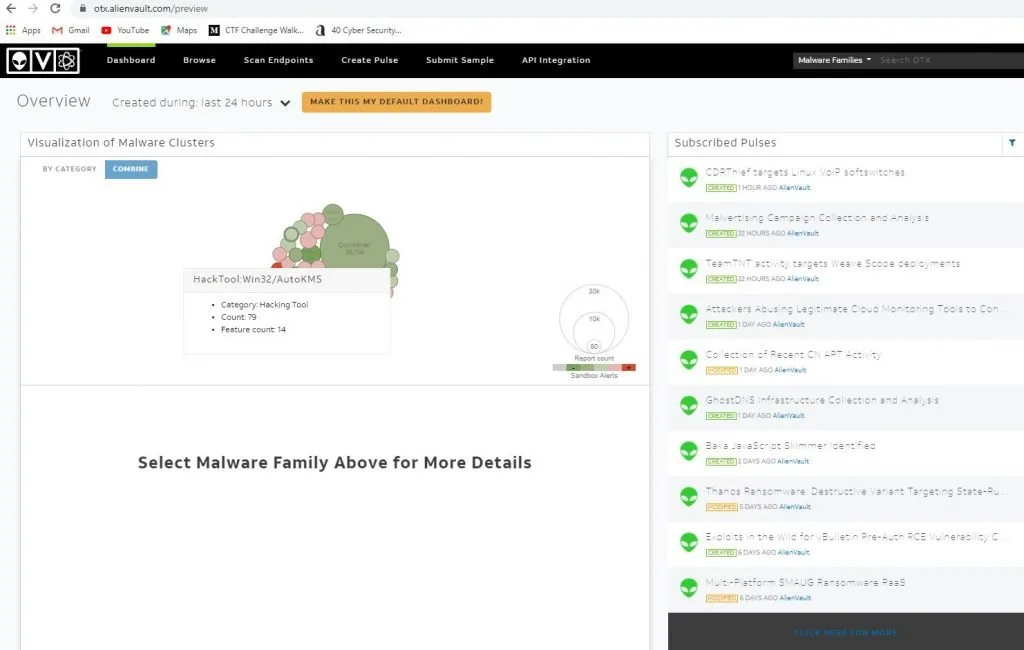
- Here, we can see all activity
CONCLUSION
This tool can be used in your organization to monitor all websites, databases, data centers, servers, desktops, applications, and other information devices for threat detection and incident response in the environment in real time, according to ethical hacking experts.
Leave a Comment
Comments are reviewed before publishing.